Sidebar Menu
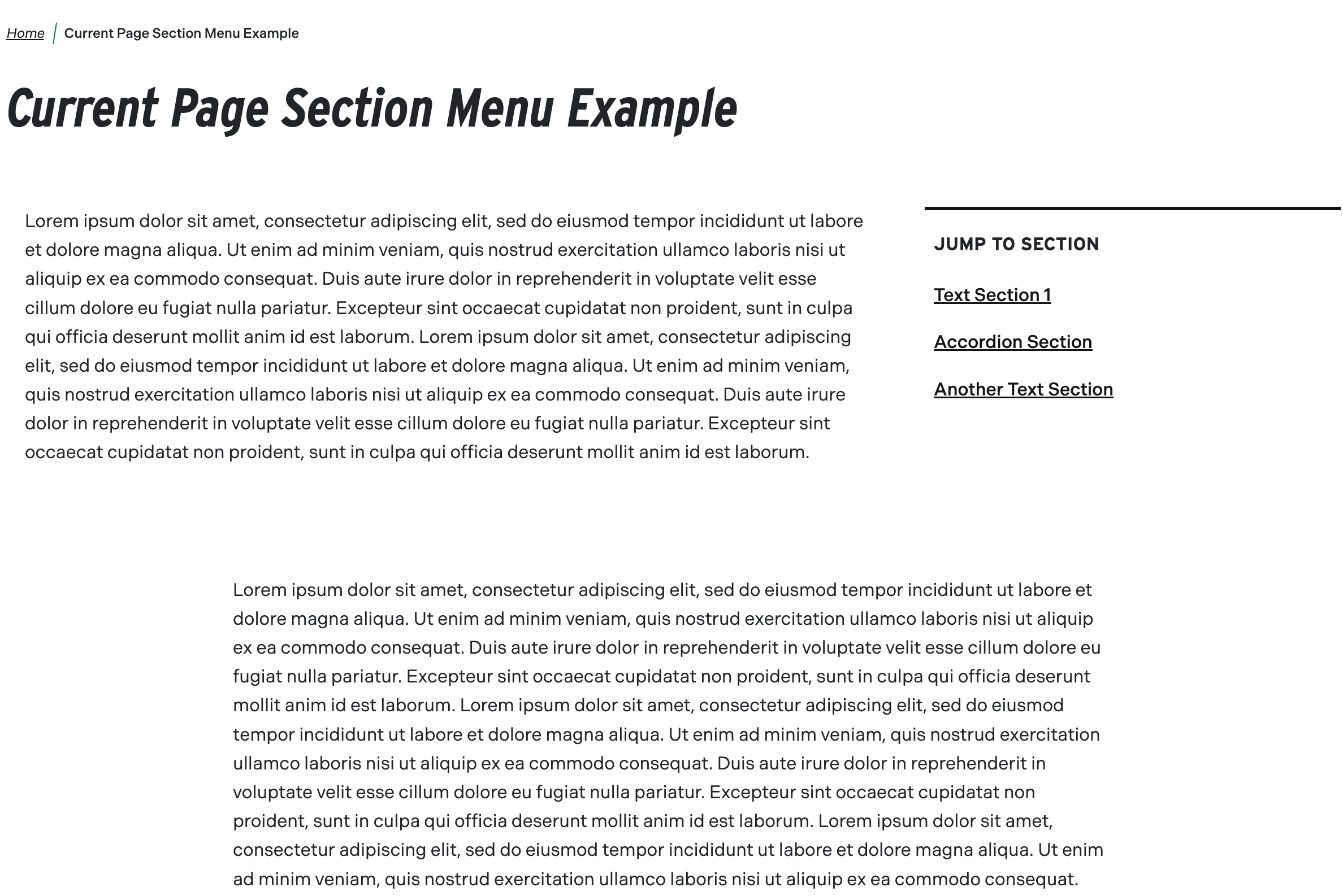
The ability to display a sidebar menu of links allows for better control of the site navigation. Many times a page might have subpages associated with it and users like having the ability to navigate them without having to search through the page text to find them.
University Communications has provided further information about this component with regards to best practices on their Web Creator Guide. Check out their guide for more tips and tricks for this component and more.
- Published - Select or unselect to make component visible or not to site visitors. Defaults to published
- Menu Option(required)
- Child Page Menu (left side)
- Jump Links Menu (right side)
- Content (required)
- Ability to add components to display next to the menu links
- Options may be limited due to styling requirements
Instructions start on the Create or Edit Page within a piece of content.
- Create Content using the Add Component button
- Choose Sidebar Menu from the list of Components in the Other section
OR
Edit Sidebar Menu content using the Edit button - Switch the Published field on or off for the component to be published or unpublished
- (required) Choose the Menu Option to be displayed
- Child Page Menu (left side)
- Jump Links Menu (right side)
- (required) Add some Content to display beside the menu chosen
 Child Page MenuAllows for a menu of child pages
 Jump Links MenuAllows for section titles to be listed in a menu for quick access.