Gallery
Carousel
Gallery - Carousel allows for images to be displayed in a simple carousel. This is a great way to display large images without taking up space on the page. However, it is important to know that most people will not click through all images so keeping the number of images small is encouraged.


Grid
Gallery - Grid allows for images to be displayed in a strict grid layout. The number of images is not restricted and will repeat based on the number of columns (2, 3, 4) selected in the options. Other options include the background color (white, black, gray) and image size (Square 1:1, Standard 3:2, Portrait 2:3). Additionally, the ability to click on the images to bring up a full-size version of the image is available by selecting "Use Lightbox for images."
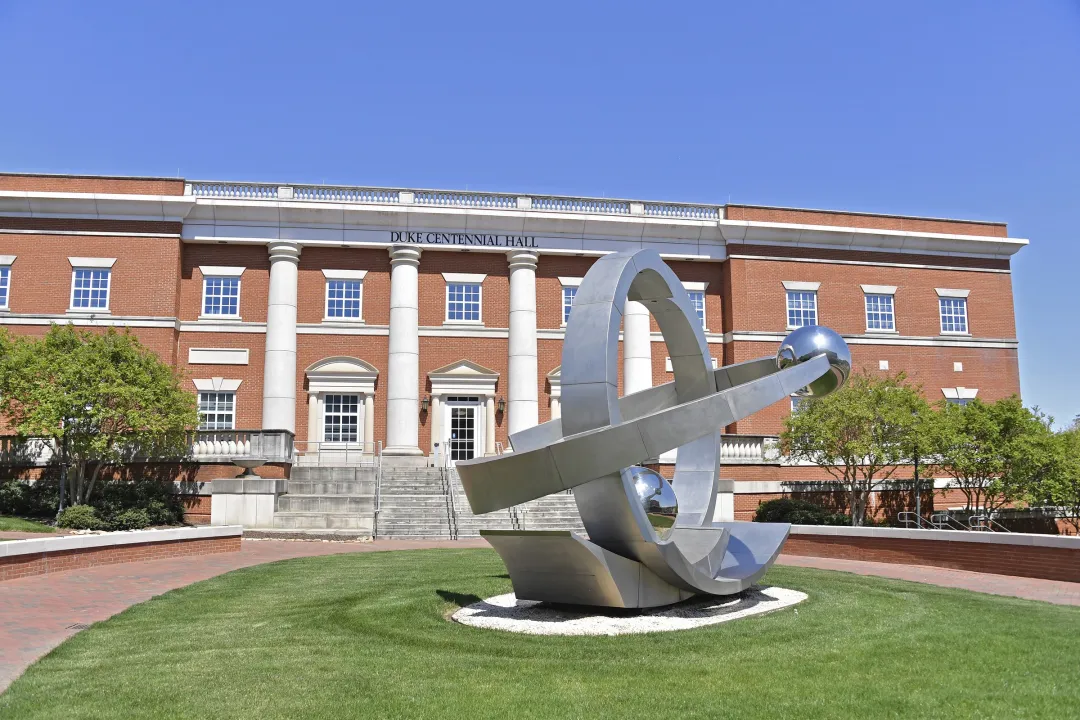 Caption TitleCaption descriptions are typically longer than caption titles


Masonry
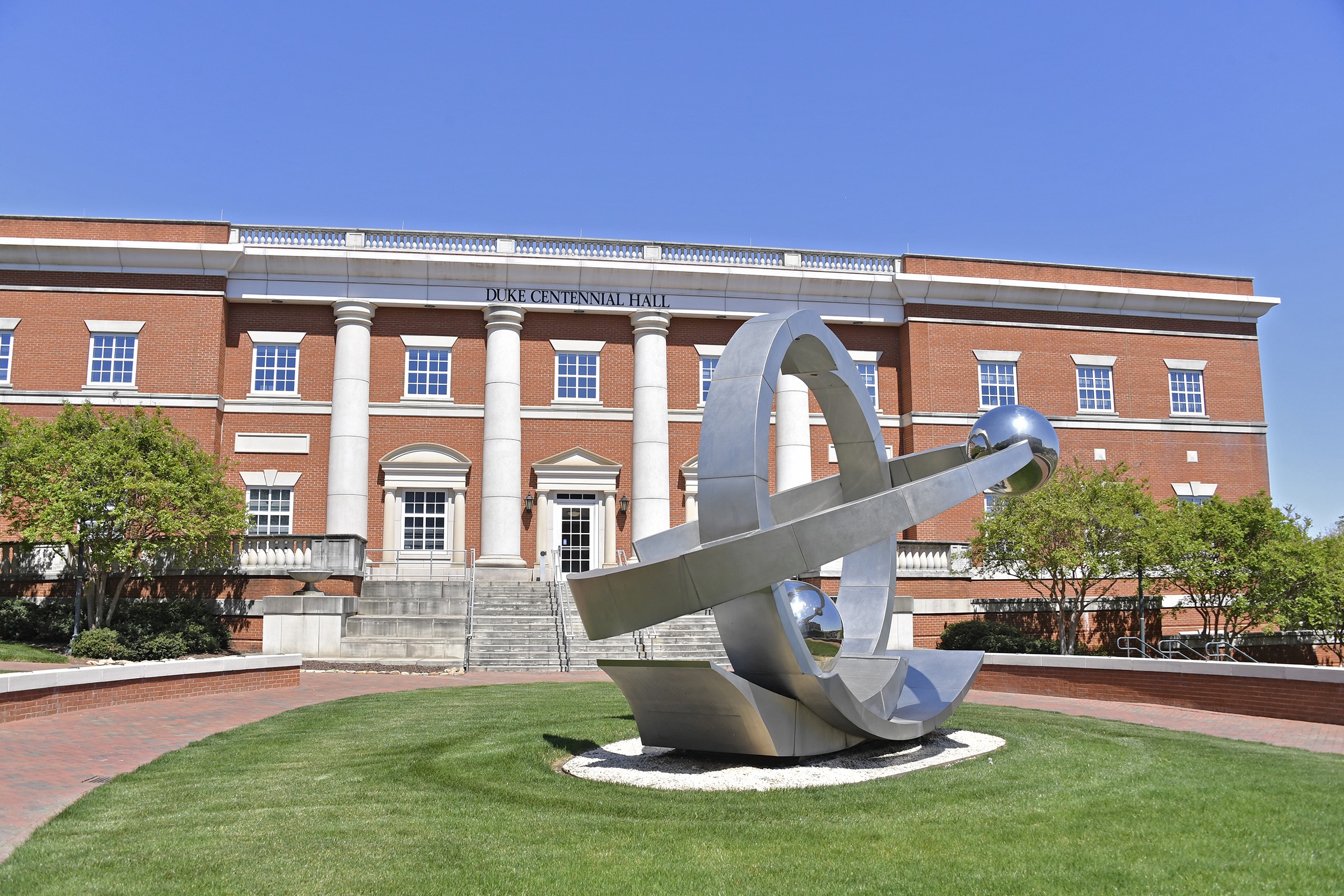
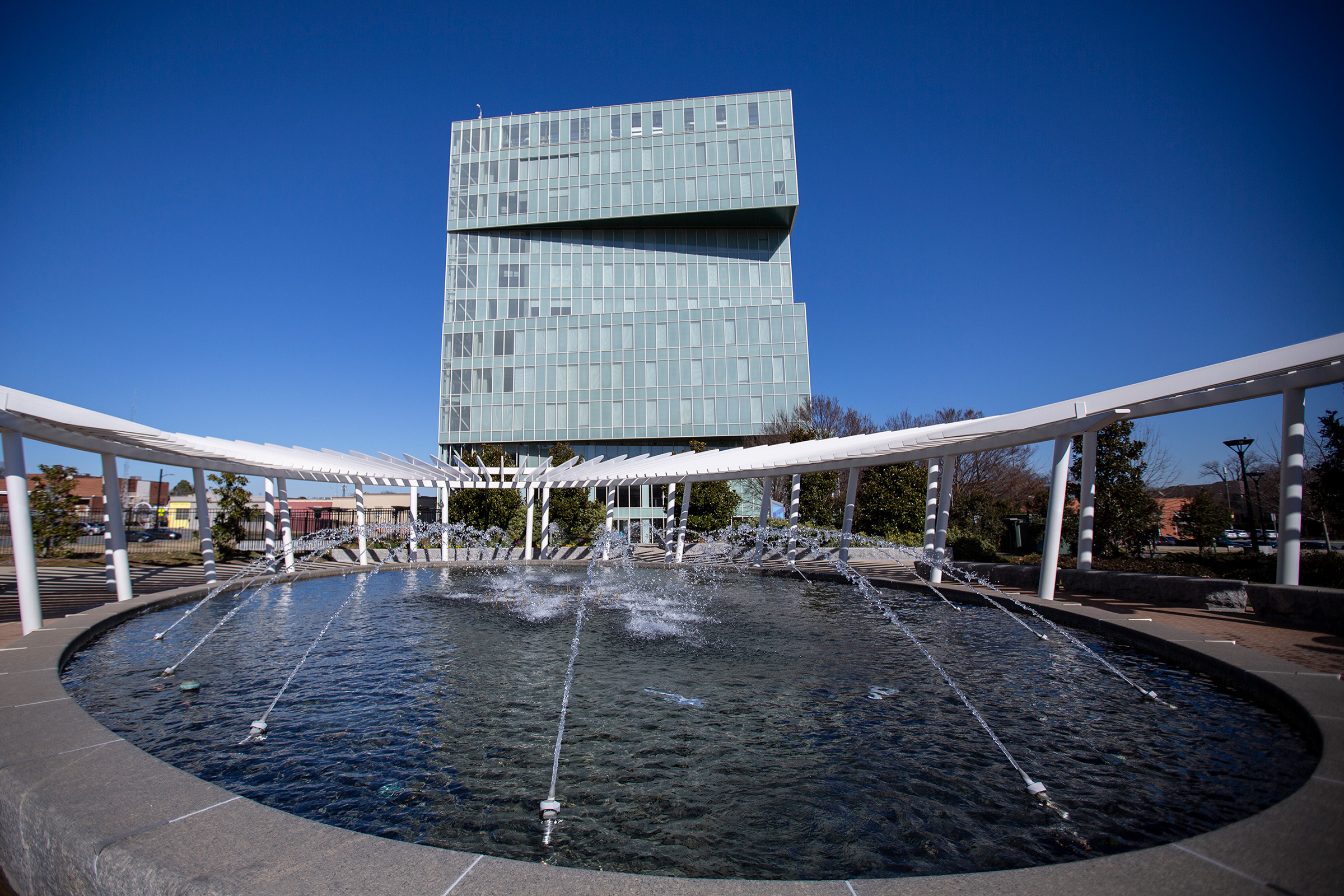
Gallery - Masonry allows for images to be displayed in a non-strict grid layout. The number of images is not restricted and will repeat based on the number of columns (2, 3, 4) selected in the options. The background color (white, black, gray) can be selected globally, while each image can have a different size (Square 1:1, Standard 3:2, Portrait 2:3) selected.
Caption Title
Caption descriptions are typically longer than caption titles.